


Screen Recording Software for Easy Video Capture
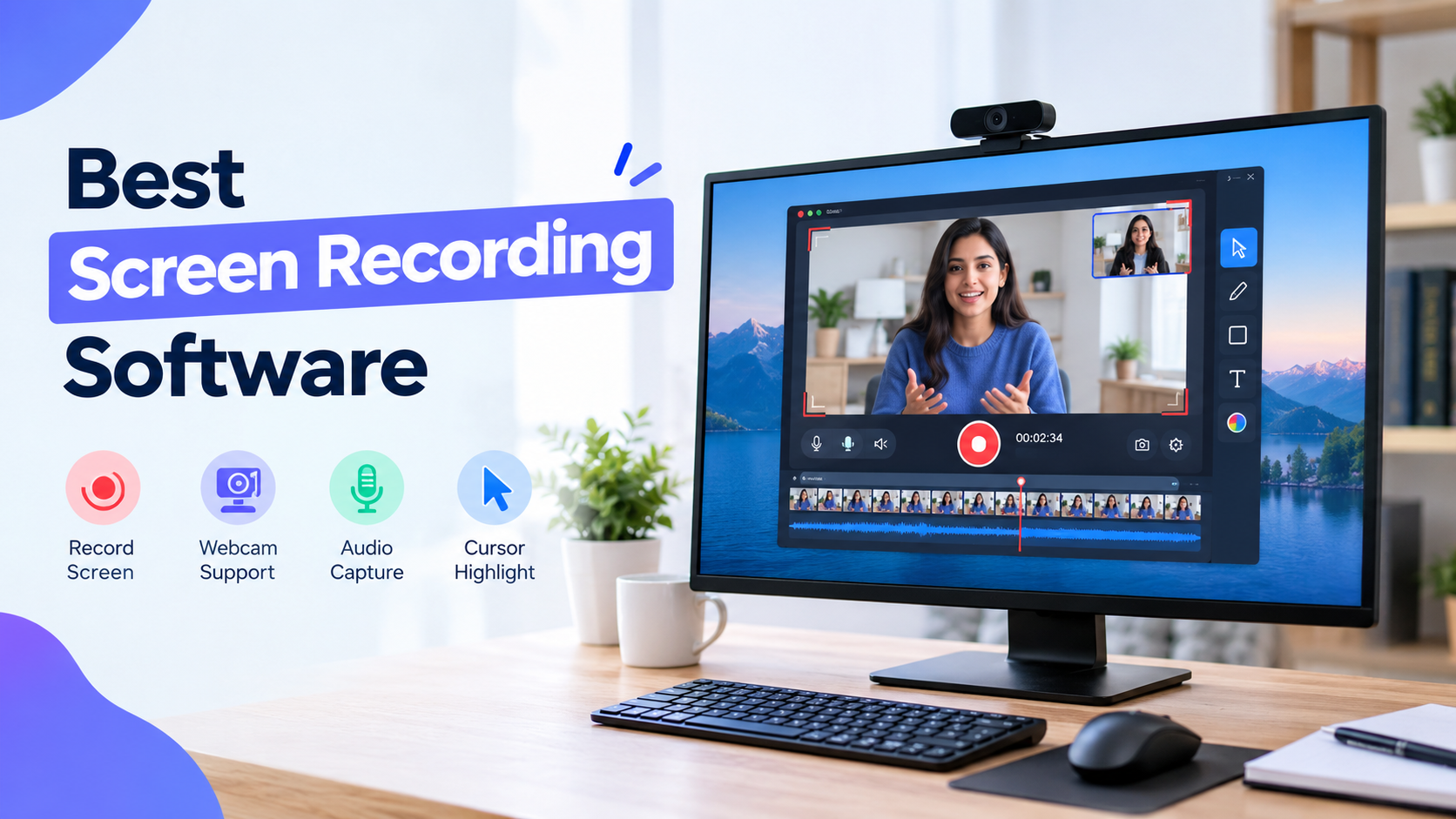
Recording your computer screen is useful for many situations, including creating tutorials, explaining software, recording presentations, documenting problems, and producing online videos. With reliable screen recording software, you can capture your screen and turn your activity into a video that is easy to share with others.
The best tool depends on the type of recording you want to create. Some users need a simple application for quick captures, while others need advanced controls for audio, video quality, webcams, and live streaming.
How Does a Screen Recorder Work?
A screen recorder captures activity displayed on your computer and saves it as a video. Most applications allow you to choose between recording the entire display, a specific application, or a selected portion of the screen.
A recording can also include microphone audio, system sounds, or webcam footage, depending on the software. These features are useful for creating educational videos and demonstrations.
Features to Look for in Screen Recording Programs
Modern screen recording programs can provide several useful features in one application. When comparing different tools, look for options such as:
- Full-screen and partial-area recording
- System and microphone audio
- Webcam integration
- High-resolution video
- Adjustable recording quality
- Multiple file formats
- Simple editing features
- Screenshot capabilities
- Easy sharing and exporting
Choosing software with the right combination of features can make recording much easier.
Screen Capture and Recording Software
Many applications now combine screenshots with video recording. This type of screen capture and recording software is useful when you regularly create documentation, tutorials, or training materials.
For example, you can capture an image of a specific setting and then record a video demonstrating how that setting works. Having both options available can make content creation more efficient.
Selecting a Screen Recorder
When choosing a screen recorder, consider how frequently you will use it and what type of content you plan to create. Beginners may prefer an application with a straightforward interface, while experienced users may want more customization.
Performance is another important factor. Recording high-quality video can consume system resources, so choosing software that runs smoothly on your computer is important.
Screen Recorder Without Watermark
For people publishing videos online, a screen recorder without watermark can be useful. Watermarks may cover part of the recording or make professional tutorials and demonstrations look less clean.
Some applications provide watermark-free recording as part of their free plans, while others may require a paid version. Always check the current limitations before selecting a recording tool.
Using OBS Screen Recorder
OBS Studio is widely used for recording and streaming. The OBS screen recorder allows users to combine different sources, such as displays, application windows, webcams, microphones, and media files.
OBS provides extensive configuration options for users who want control over video quality, audio, recording formats, and streaming settings. Beginners may need some practice before becoming comfortable with its interface.
Windows Screen Recording Tool
A Windows screen recording tool can be useful when you need to capture something quickly. Windows provides built-in recording functionality for certain tasks, which can eliminate the need to install third-party software for simple recordings.
However, users who need advanced editing, multiple recording sources, or more detailed configuration may prefer dedicated screen recording applications.
Screen Capture for Windows
When looking for screen capture for Windows, make sure the software is compatible with your Windows version. You should also check its supported resolution, audio options, file formats, and available editing features.
A good recording tool should make it simple to start, pause, stop, and save recordings without requiring a complicated setup.
Final Thoughts
Screen recording can simplify the process of explaining ideas and creating useful visual content. From simple tutorials to professional presentations and gameplay videos, the right software can provide the features needed for a smooth recording experience.
Before selecting a tool, compare recording quality, audio support, watermark policies, system performance, and ease of use. This will help you choose screen recording software that matches your specific requirements.

 English
 Arabic
 French
 Portuguese
 Deutsch
 Turkish
 Dutch
Dutch
 Italiano
 Russian
 Romaian
 Portuguese (Brazil)
 Greek
Greek
