


Gaming Computers for Sale: Key Components to Consider Before Buying
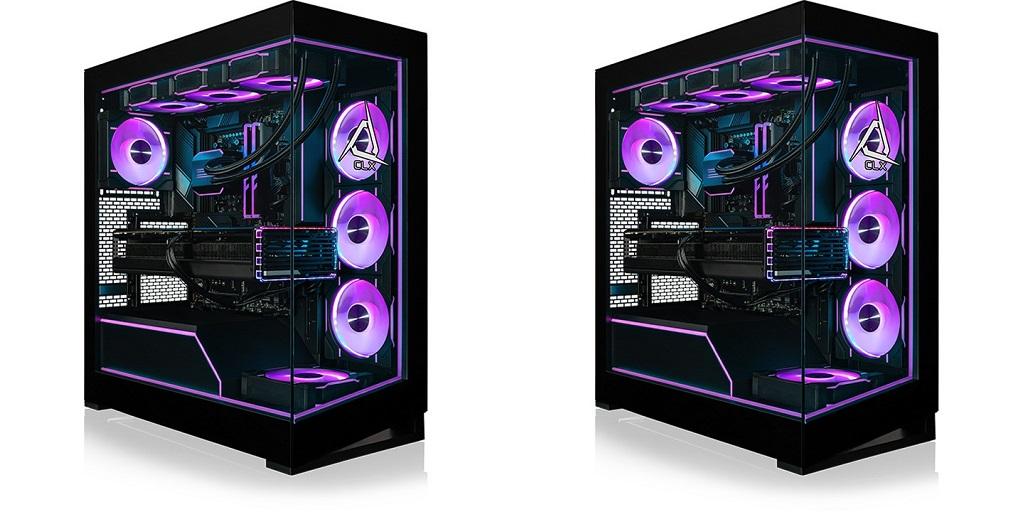
When buying gaming computers for sale, look closely at the hardware inside. Your GPU, CPU, memory, storage, cooling, and power supply all affect gaming performance. The balance depends on the games you play, your monitor, and your preferred resolution.
What to Look for When Buying a Gaming Computer
Each component has a specific job. The graphics card handles visual rendering, while the processor manages game calculations and background tasks. Memory supports games and other applications running at the same time. Storage affects loading times, while cooling and power delivery support stable performance.
The Graphics Card
The GPU handles textures, lighting, shadows, reflections, and other visual effects. It affects how games look and run.
Pay attention to VRAM when comparing graphics cards. Higher capacity provides more room for detailed textures and larger game environments. This matters most for 1440p and 4K gaming.
Ray tracing is another specification worth checking. Compatible games use it for advanced lighting, reflections, and shadows. High-end GPUs suit demanding 4K games, while mid-range models can deliver strong 1440p performance.
Match the CPU to Your Games
The CPU manages physics, artificial intelligence, game calculations, and background processes. Different genres place different demands on the processor.
Competitive games benefit from strong clock speeds and responsive processing. Strategy and simulation titles may place greater demands on multiple cores and threads.
Intel and AMD offer processors across several performance levels. When reviewing configurations, compare clock speeds, core counts, cache, compatibility, and power requirements.
A balanced CPU and GPU pairing also matters. A weaker processor may limit a powerful graphics card in CPU-heavy games.
Give DDR5 Memory Enough Capacity
DDR5 memory is common in modern gaming systems and provides high bandwidth for current platforms.
A 16GB setup works well for many games. A 32GB configuration leaves more room for demanding titles, streaming, browsers, voice chat, and other applications running simultaneously.
Memory speed matters too. DDR5 kits around 6000 MHz can provide strong performance on compatible platforms. Check motherboard and processor specifications before selecting memory.
Choose Fast, Spacious Storage
Modern games can require substantial storage space. M.2 NVMe SSDs provide fast access to games, applications, and system files.
PCIe Gen4 SSDs offer excellent gaming performance, while PCIe Gen5 models provide higher bandwidth with compatible hardware.
A two-drive setup can also make storage easier to organize. One SSD can hold the operating system and applications, while another stores games and larger files.
Keep Temperatures Under Control
Cooling affects performance during demanding gaming sessions. Air cooling works well for many gaming desktops and suits a variety of processors.
AIO liquid cooling may suit powerful CPUs and sustained workloads. The right solution depends on the processor, case design, airflow, and overall configuration.
Select a Reliable Power Supply
The PSU powers every major component. Its wattage needs to cover the GPU, CPU, storage, cooling system, and other hardware.
Leave some extra capacity for future upgrades. Check the graphics card manufacturer's recommended PSU wattage before selecting a specific unit.
Build Around Your Gaming Priorities
Your favorite games provide a useful reference for hardware requirements. Competitive players may prioritize high frame rates and CPU performance. Players focused on detailed graphics may allocate more of their budget toward the GPU.
Your monitor matters too. A 1080p high-refresh display has different requirements from a 1440p or 4K monitor.
Streaming, recording, video editing, and communication apps also affect hardware needs. A computer used for several tasks may benefit from additional memory and processing power.
Find the Right Configuration
Your games, monitor, settings, and everyday computer use all shape the hardware you need. Reviewing these factors together makes it easier to compare gaming desktops and avoid paying for specifications you will rarely use.
CLX Gaming offers configurations built around different performance requirements and budgets. Browse its gaming PC options to compare hardware combinations suited to your setup.
For more information about Custom Gaming Laptop Builder, please visit CLX Gaming.

 English
 Arabic
 French
 Spanish
 Deutsch
 Turkish
 Dutch
Dutch
 Italiano
 Russian
 Romaian
 Portuguese (Brazil)
 Greek
Greek
