


How to Choose the Right RTX 5090 PC for Your Gaming Needs
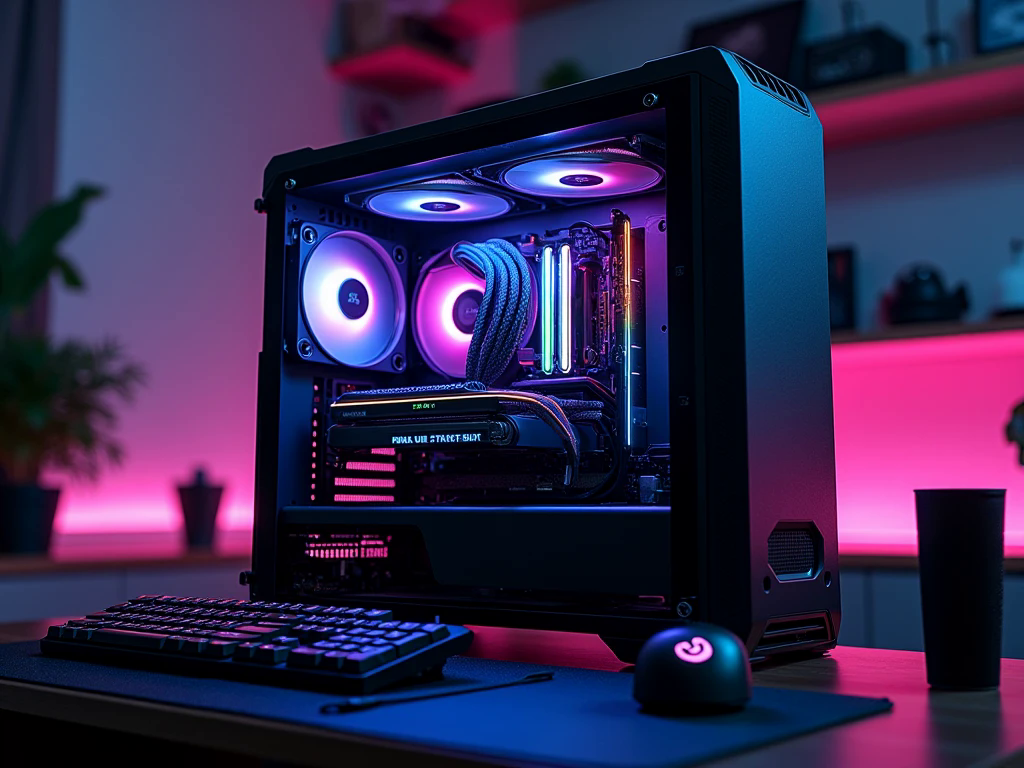
A premium gaming computer should be selected according to the games you play, the applications you use, and the level of performance you expect from your hardware. Powerful components can open the door to detailed graphics, advanced rendering, and demanding creative tasks, but they also require careful planning. Processor compatibility, power delivery, cooling, and monitor selection all influence the final result.
An RTX 5090 PC is designed for enthusiasts who want exceptional graphics capability and the flexibility to handle demanding workloads. Understanding how this hardware fits into a complete desktop system can help you make an informed decision instead of spending money on specifications that do not match your needs.
NVIDIA RTX 5090: Built for Demanding Workloads
The NVIDIA GeForce RTX 5090 uses the Blackwell architecture and features 32GB of GDDR7 video memory. Its high-end GPU design supports demanding games, advanced ray tracing, and compatible AI-accelerated applications.
One of its notable advantages is the substantial amount of VRAM. Graphics memory stores textures, visual assets, and other information needed during rendering. Larger memory capacity can be useful when working with detailed scenes, high-resolution assets, and certain professional applications.
However, specifications alone do not tell the complete story. The actual benefit depends on the software, settings, and workload. A gamer playing less demanding titles may not need a flagship graphics card, while a professional working with complex visual projects may have a stronger reason to consider it.
Decide Whether You Really Need Flagship Graphics
Before choosing your components, identify the purpose of your computer. If you want to play graphically demanding games at high resolutions, the RTX 5090 offers substantial graphics capability. It may also appeal to users who create 3D environments, render complex scenes, edit high-resolution video, or run supported AI applications.
For someone who mainly plays competitive games at 1080p, a less expensive graphics card could provide the desired experience at a lower overall cost. The value of a premium GPU depends on whether your monitor, software, and workload can benefit from its capabilities.
Think about your daily usage rather than buying solely for the prestige of owning high-end hardware. This approach helps you build a system that performs well for your specific requirements.
Choose a Monitor That Matches Your Goals
A high-performance computer deserves a display that can make its capabilities useful. Resolution, refresh rate, response time, and panel quality all affect how games look and feel.
A quality 4K monitor is worth considering if you enjoy detailed environments and cinematic visuals. A higher refresh rate can improve motion clarity and responsiveness, particularly in fast-paced games. If you use your computer for creative work, colour accuracy and panel consistency may be just as important as resolution.
Your choice should reflect the type of experience you want. High-resolution gaming can increase the rendering workload, and actual frame rates depend on the title and graphics settings. Before buying a display, consider whether you prioritise visual detail, competitive responsiveness, or a combination of both.
Pair the Graphics Card With the Right CPU
The processor remains important even when the graphics card is extremely powerful. It handles game logic, physics, background processes, and other calculations that help the system operate smoothly.
Choose a modern, high-performance CPU that suits your intended workload. Competitive games targeting very high frame rates can be sensitive to processor performance, while rendering and content creation applications may benefit from different CPU characteristics.
Check motherboard compatibility, processor cooling requirements, and platform upgrade options before purchasing. You do not necessarily need the most expensive processor available, but choosing one that complements the GPU helps avoid unnecessary performance limitations.
A balanced configuration is particularly important when building a premium desktop because the total investment is substantial.
Understand the Benefits of 32GB VRAM
The RTX 5090's 32GB of GDDR7 VRAM provides substantial capacity for graphics-intensive tasks. In gaming, it can accommodate demanding graphical assets and high-resolution textures where supported. In professional workflows, it can be useful for complex 3D scenes, large visual projects, and compatible AI workloads that require considerable GPU memory.
More VRAM does not automatically make every application run faster. The software must be capable of using the additional memory, and processing speed, optimisation, and other system resources remain important.
For buyers who use their PC for both gaming and creative projects, it is worth checking the recommended specifications of their main applications. This provides a clearer picture of whether the graphics card's capabilities are relevant to their work.
Plan RAM and Storage for More Than Gaming
System RAM supports the operating system, games, and applications running at the same time. For a premium gaming computer, 32GB is a practical starting point for many users. If you regularly edit large video files, work with complex creative projects, or run memory-intensive applications, 64GB or more may be appropriate depending on the workload.
Storage also influences everyday convenience. A fast NVMe SSD can reduce loading times and provide responsive access to games and applications. Consider a capacity that suits your game library, software, and project files.
Users working with large media assets may benefit from additional storage for active projects and backups. Keeping important files on a separate backup destination helps protect them against accidental deletion or drive failure.
Why Power Supply and Cooling Need Special Attention
The RTX 5090 is a high-power component, so power supply selection must be treated as a priority. Follow the manufacturer's current recommendations for total system power and connector requirements. Choose a reputable unit with appropriate capacity and headroom for the CPU and other components. Avoid selecting a power supply based on wattage alone.
Physical compatibility is equally important. Check the graphics card's length, thickness, cable clearance, and the available space inside the case. A suitable case should support effective airflow and provide enough room for cooling hardware.
Good cooling does not always mean buying the most expensive liquid-cooling system. A suitable CPU cooler, properly positioned case fans, and unobstructed airflow can make a significant difference. The best solution depends on your components, case design, noise preferences, and workload.
Explore DLSS and Advanced Rendering Features
Modern NVIDIA graphics technologies can improve the experience in supported games. Ray tracing adds more realistic lighting, reflections, and shadows, but it can also increase the rendering workload.
DLSS uses AI-based methods to improve image quality or performance, depending on the game and selected mode. Compatible implementations may also offer frame generation, which creates additional displayed frames. These generated frames are not equivalent to frames rendered directly by the GPU, and they do not eliminate input latency.
For competitive gaming, test responsiveness and frame consistency carefully. For visually rich games, you may prefer a balance that enables advanced effects while maintaining smooth gameplay.
Where to Explore Premium Gaming PCs in the UAE
When comparing a high-end desktop, examine the complete specification rather than focusing only on the graphics card. Review the exact CPU, motherboard, system RAM, SSD capacity, power supply, cooling, case compatibility, and warranty conditions. These details help determine whether a computer is well suited to your intended use.
For buyers in the UAE, Budget Gamer is one option to explore when comparing gaming PCs and available configurations. Confirm the current specifications, included components, and warranty details before making a purchase. Comparing complete systems makes it easier to understand the value of each configuration and choose hardware that fits your actual requirements.
Frequently Asked Questions
1. Is the RTX 5090 suitable for 4K gaming?
Yes. The RTX 5090 is designed for demanding graphics workloads and is a strong choice for high-end 4K gaming. Performance still varies by game, settings, ray tracing, and supported software features.
2. How much RAM should an RTX 5090 PC have?
For many premium gaming setups, 32GB is a sensible starting point. Users handling large creative projects or memory-intensive professional applications may benefit from 64GB or more.
3. Is an RTX 5090 PC worth the investment?
It can be worthwhile if you need high-end graphics performance for demanding games or suitable professional workloads. If your games and applications have modest requirements, a less expensive system may offer better value.
Conclusion
An RTX 5090 PC can serve as a powerful foundation for premium gaming and demanding creative work, but the quality of the complete build matters just as much as the graphics card. Choose a suitable processor, sufficient RAM, fast storage, reliable power delivery, and effective cooling. Match the system to your monitor and actual workload before making a purchase. Careful component selection will help you get meaningful value from a high-end investment while creating a desktop that supports your performance goals.

 English
 Arabic
 French
 Spanish
 Portuguese
 Deutsch
 Turkish
 Italiano
 Russian
 Romaian
 Portuguese (Brazil)
 Greek
Greek
